Maintaining a consistent content calendar on TikTok is a significant operational challenge for creators, influencers, and brands. While the platform’s algorithm favors frequent posting to sustain engagement and discoverability, the labor-intensive nature of ideation, filming, editing, and captioning often results in erratic upload schedules. For professional marketers, the ability to automate the publishing process is not merely a convenience but a strategic necessity. As of November 2026, TikTok provides native scheduling capabilities through its dedicated TikTok Studio interface, though third-party management tools remain a primary alternative for those seeking cross-platform synchronization and advanced workflow management.
Evolution of TikTok Scheduling Infrastructure
Historically, TikTok lacked native scheduling tools, forcing creators to rely on manual uploads or unverified third-party workarounds that often violated platform terms of service. This created a barrier for professional social media managers who required centralized control over their content pipelines. In recent years, as TikTok transitioned into a major search and discovery engine, the company prioritized creator tools, eventually launching the TikTok Studio suite. This move effectively signaled TikTok’s pivot toward becoming a professional-grade hosting platform for creators and businesses alike, allowing them to manage their output with the same level of sophistication found on platforms like Meta or YouTube.
Native Scheduling: Capabilities and Constraints
TikTok’s built-in scheduler, accessible via the desktop version of TikTok Studio and the dedicated mobile app, is designed for simplicity and accessibility. It is available to all accounts regardless of follower count, removing the previous "Business Account" or follower-minimum gatekeeping that once frustrated smaller creators.
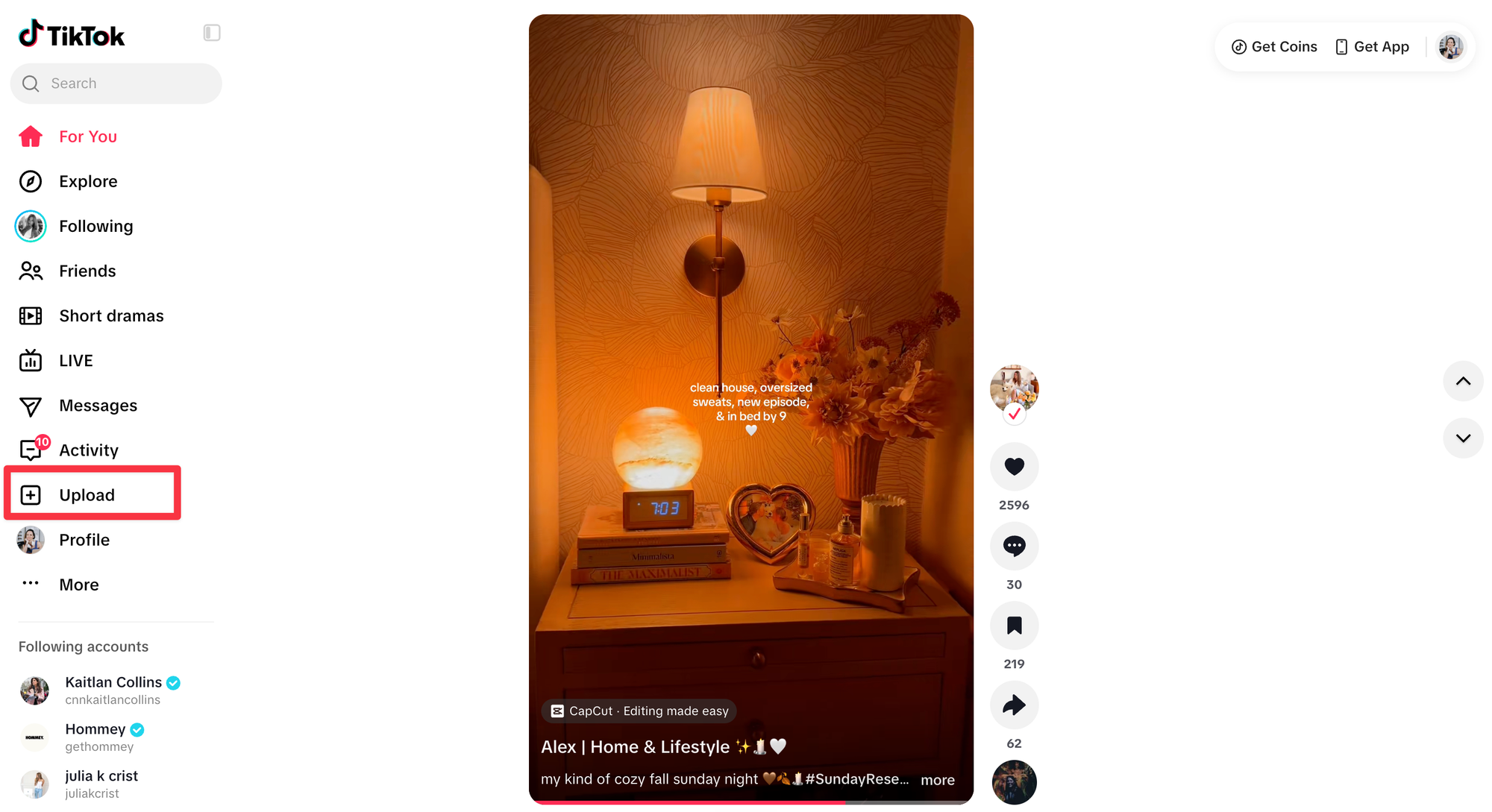
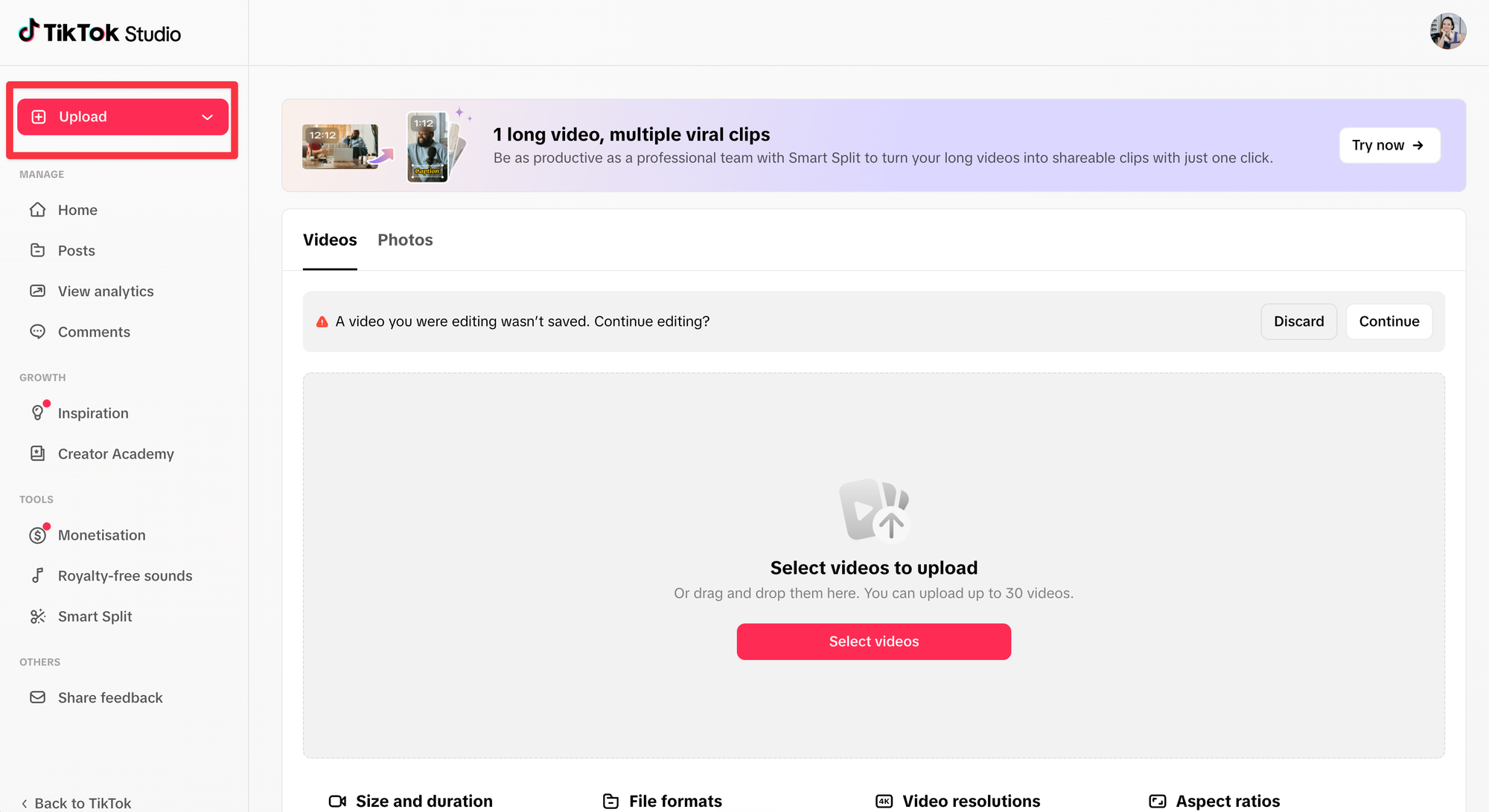
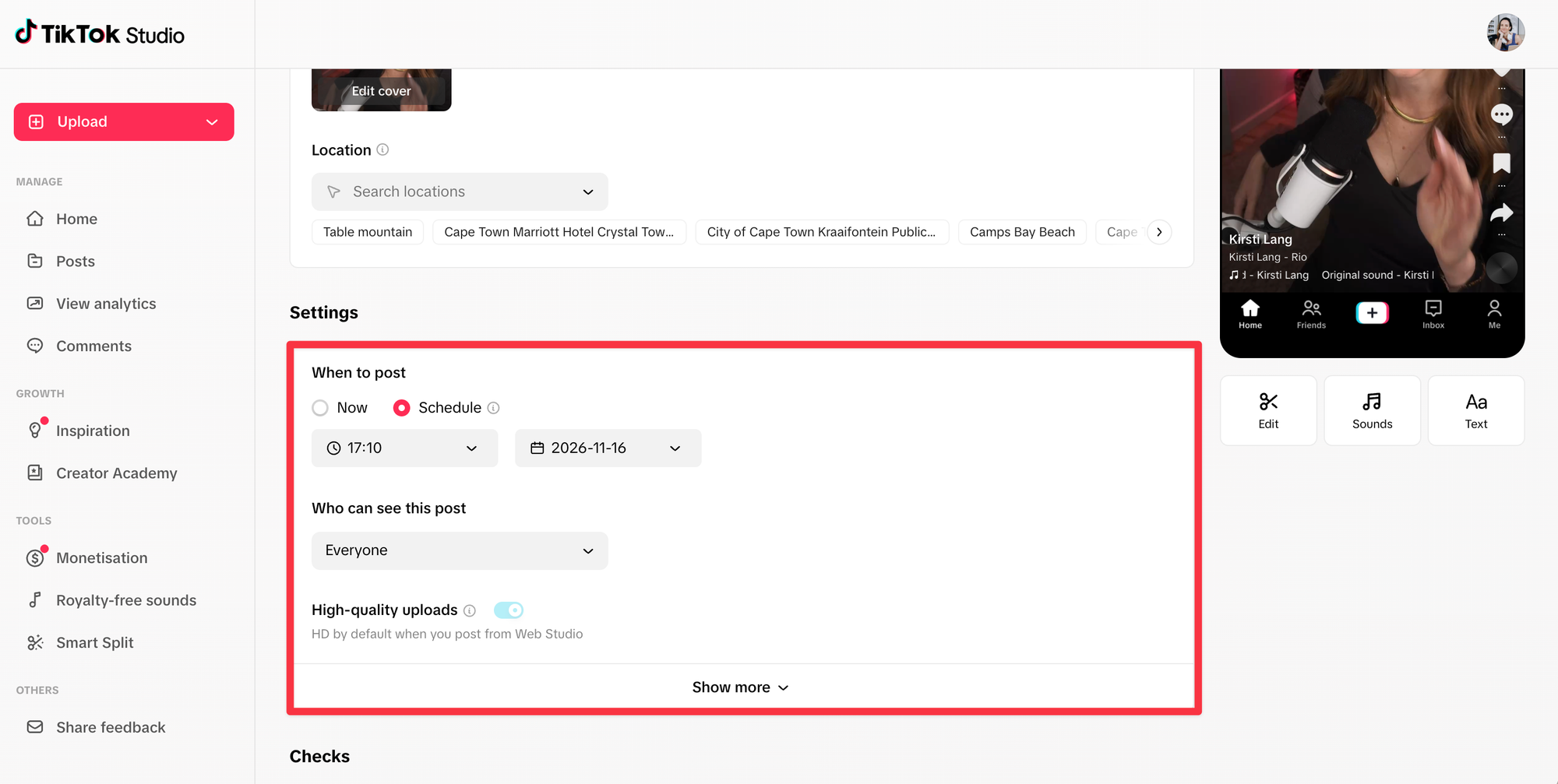
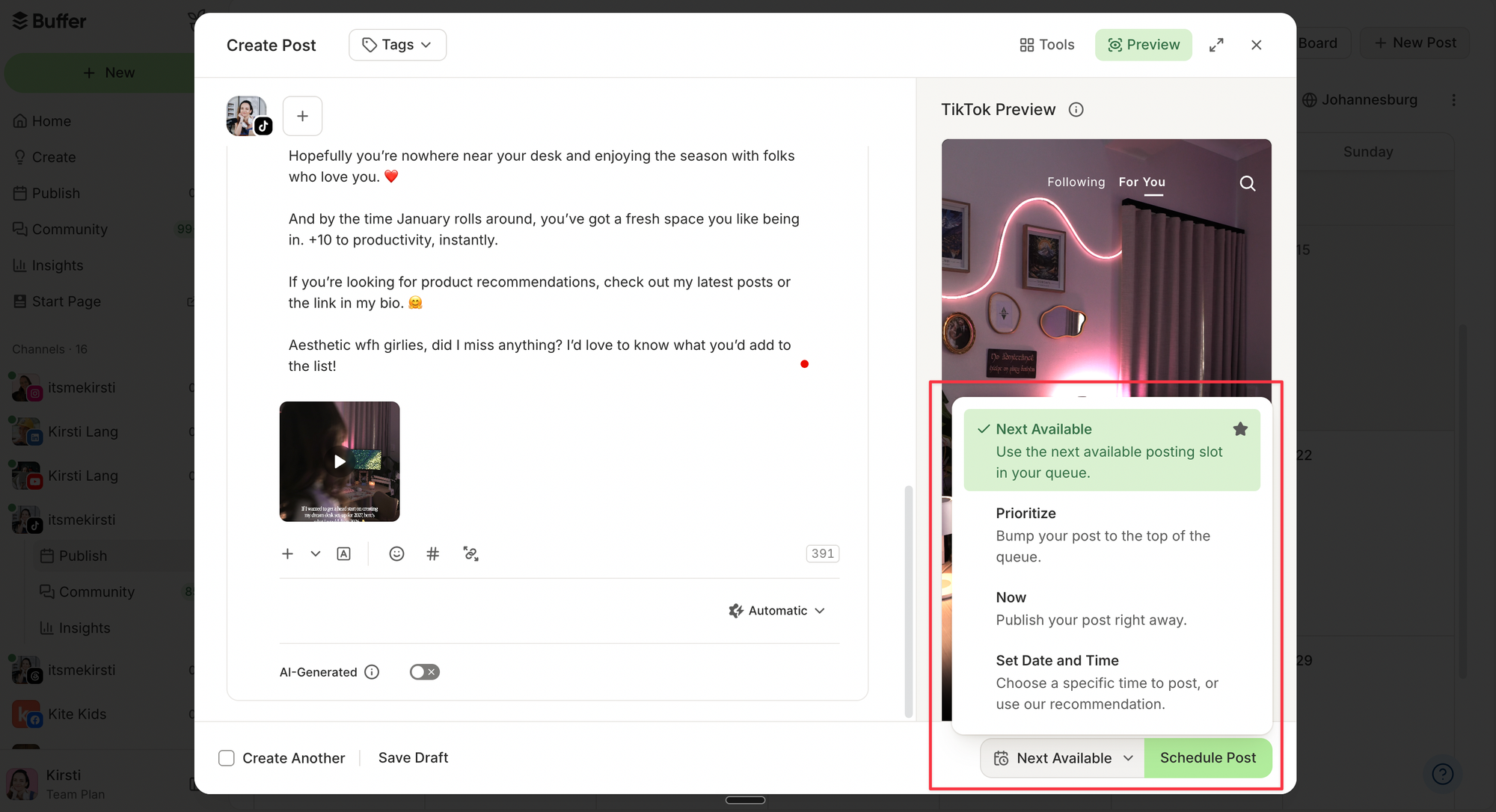
The native tool allows users to queue content between 15 minutes and 30 days in advance. Once a post is scheduled within the native ecosystem, the system imposes a rigid structure: the post cannot be edited. If a user identifies a typo, a technical error, or a missing hashtag after the post is queued, they are required to delete the scheduled entry entirely and initiate a new upload process. This limitation highlights the need for rigorous quality control before final submission. Furthermore, the native tool operates strictly on the time zone of the user’s computer, which can create complications for global brands managing teams across multiple international regions.
Comparative Analysis: TikTok Studio vs. External Management Tools
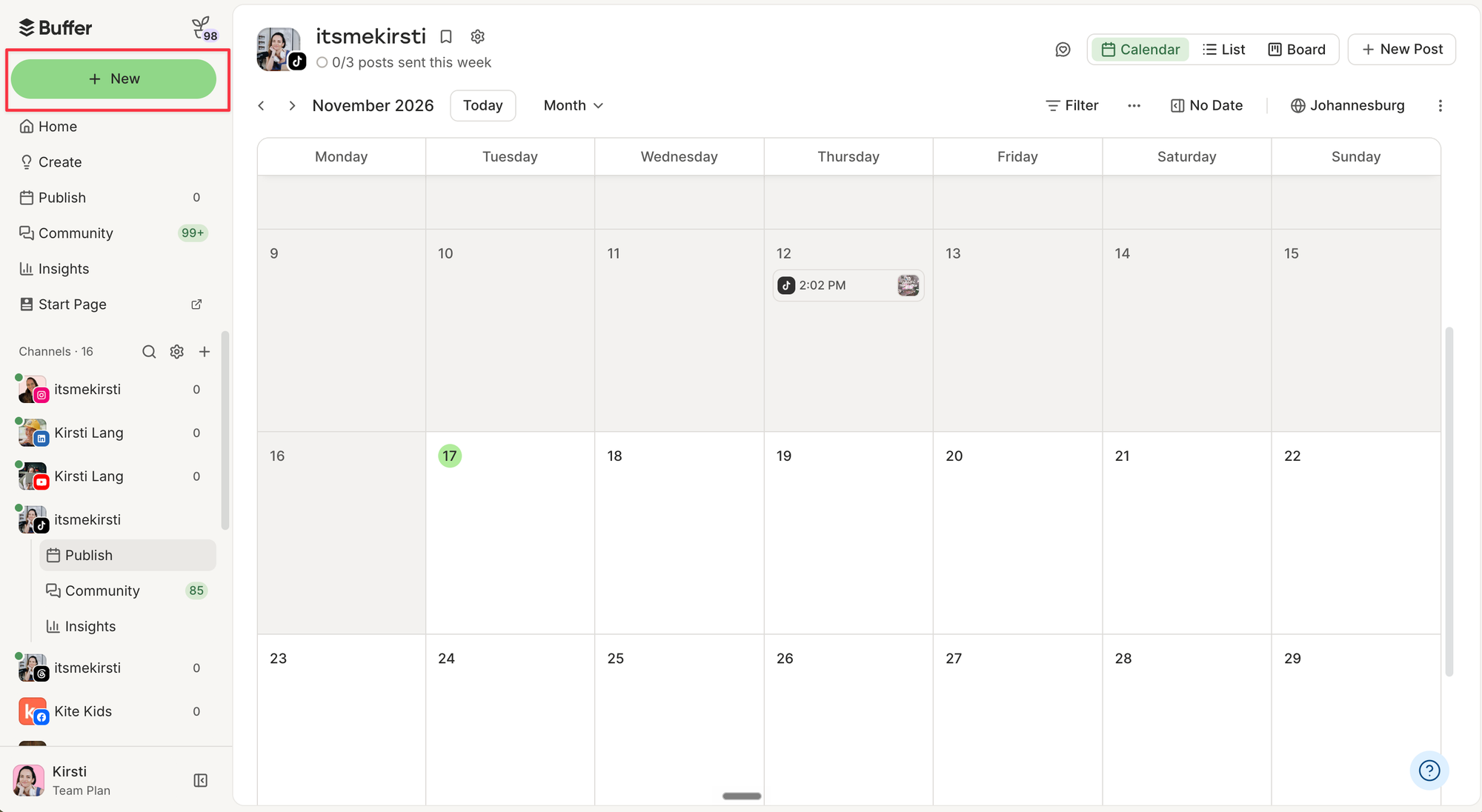
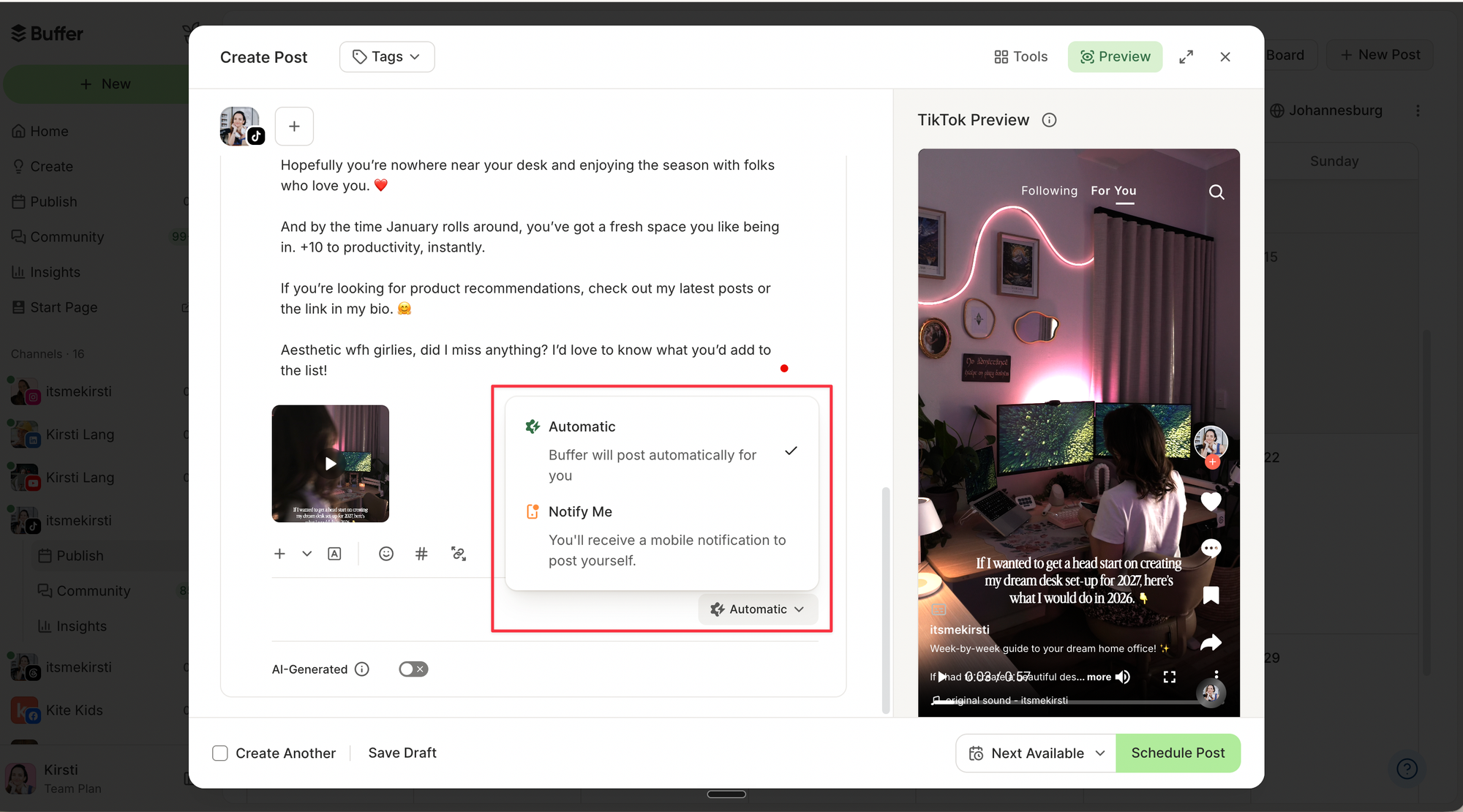
For creators operating at scale, the distinction between native tools and third-party managers like Buffer is clear. While TikTok’s native scheduler is free and optimized for platform-specific features—such as direct access to the entire licensed music library—it lacks the cross-platform integration required by multi-channel content strategies.
Third-party tools, by contrast, offer a unified dashboard where a single video asset can be scheduled for simultaneous deployment across TikTok, Instagram, and YouTube. This reduces the administrative burden of logging into multiple accounts and re-uploading files. Furthermore, professional-grade tools often allow for "editing-in-queue," meaning a creator can adjust a caption or a thumbnail hours after the initial upload, provided the post has not yet been broadcast.
Data-Driven Scheduling: Timing and Audience Engagement
The efficacy of a scheduled post is fundamentally tied to the timing of its release. Data gathered from millions of user interactions suggests that the "best time to post" is not a universal metric but a highly personalized one based on individual follower behavior.
According to a 2026 analysis of 7.1 million posts, while Sunday mornings at 9:00 a.m. and Mondays at 1:00 p.m. represent peak engagement windows, these figures serve only as a baseline. Creators are encouraged to use the native "TikTok Studio" analytics suite to view specific hourly breakdowns of when their unique audience is most active. For new accounts with insufficient data, the recommended strategy is to "test and learn"—scheduling posts at varied times throughout the week to establish a baseline of high-performance hours.
Strategic Implications for Content Teams
The shift toward automated scheduling has broad implications for the digital marketing landscape. By removing the need for manual intervention at the moment of publishing, teams can dedicate more time to community management—specifically, replying to comments in the critical first hour of a post’s lifecycle.
Engagement metrics are highly sensitive to the first wave of user comments. By using a centralized inbox, such as those provided by modern social media management software, brands can monitor incoming reactions across all channels in a single view. This responsiveness serves as a key signal to the TikTok algorithm that the content is fostering community interaction, which in turn can improve the likelihood of a video being pushed to the "For You" page.
Operational Best Practices for Workflow Efficiency
To mitigate the risks associated with native scheduling—specifically the inability to edit once queued—creators should adopt a "master repository" approach. Maintaining a centralized cloud folder containing finalized video files, high-resolution thumbnails, and pre-written, proofread captions ensures that if a post must be deleted and re-uploaded, the process is streamlined rather than chaotic.
Furthermore, creators should be mindful of the technical requirements for different platforms. While TikTok allows up to 35 photos in a carousel, many third-party schedulers are currently optimized for a 10-image limit. Awareness of these technical discrepancies is essential for preventing file corruption or rejected uploads during the scheduling phase.
Frequently Asked Questions and Troubleshooting
For users encountering issues where the "Schedule" button is absent, the most common culprit is device incompatibility or the choice of application. It is imperative to note that the standard TikTok consumer app often lacks the full suite of scheduling features found in the dedicated TikTok Studio app.
1. Is there a follower threshold for scheduling?
No. Every account, regardless of size or verification status, can access scheduling tools.
2. Can trending sounds be used in scheduled posts?
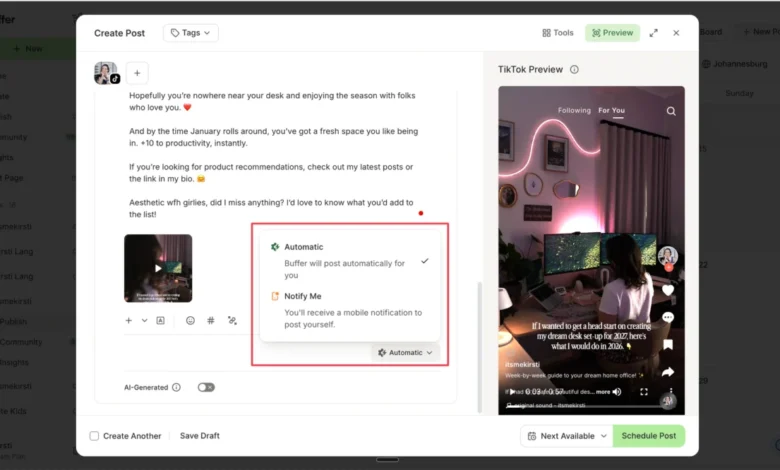
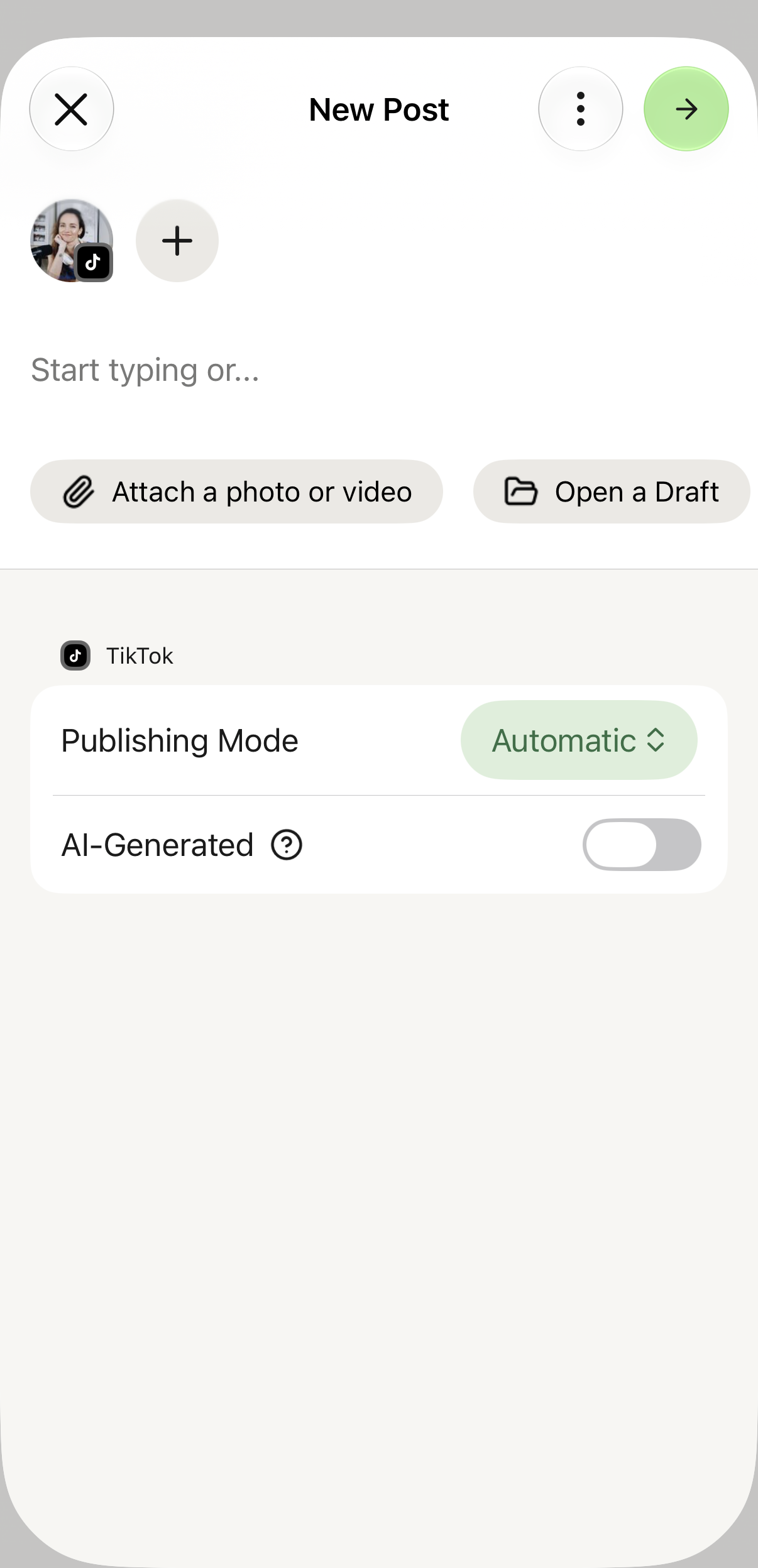
When using the native scheduler, yes, provided the sound is cleared for your account type. When using third-party tools, many employ a "Notify Me" workflow, where the user receives a push notification to finalize the post manually within the TikTok app, ensuring the sound is correctly attached.
3. Does scheduling impact algorithmic reach?
There is no evidence to suggest that the act of scheduling a post—whether through TikTok’s native system or a third-party API—negatively impacts reach. The algorithm prioritizes content quality, user retention, and early engagement, regardless of how the file was delivered to the server.
4. How should global teams handle time zones?
If a team is distributed, it is safer to use a third-party tool that allows for specific time zone overrides. Relying on the native tool, which defaults to the local time of the device used to queue the post, can lead to scheduling errors if the person managing the queue is in a different region than the intended target audience.
Conclusion: The Future of Content Consistency
The democratization of scheduling tools has leveled the playing field for independent creators and multinational corporations alike. By automating the routine aspects of publishing, creators can focus on the qualitative aspects of their content—storytelling, visual aesthetics, and community interaction. As TikTok continues to evolve, the distinction between native creator tools and third-party enterprise solutions will likely blur, but the core objective remains the same: ensuring that high-quality content reaches the right audience at the precise moment they are ready to engage. Whether one chooses the native TikTok Studio for its simplicity or a professional tool like Buffer for its cross-platform versatility, the shift toward a disciplined, data-informed publishing calendar is a mandatory step for any entity seeking sustained growth in the current digital ecosystem.