The AI-Driven Digital Declutter: How Automation Is Redefining File Management for Knowledge Workers


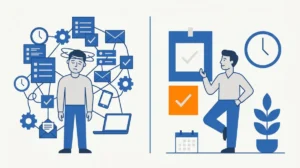
The rapid evolution of generative AI has transitioned from conversational interfaces to autonomous agents capable of performing complex file-system operations. Recent experiments conducted by industry professionals demonstrate that desktop-integrated AI assistants can now handle the mundane, labor-intensive tasks of file organization—specifically regarding screenshot management and note indexing—with a speed and scale that far exceeds human capability. The shift marks a pivot from manual file curation to a system of "retrieval-first" architecture, where the primary objective is ensuring information can be located in seconds, rather than stored in perfect folders.
The Discrepancy of Perception
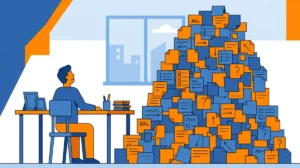
In a recent demonstration conducted during a live educational session, an instructor attempted to estimate the volume of a specific directory containing one month of accumulated screenshots. Initial human estimation placed the count between 150 and 200 files. However, upon deploying a desktop-integrated AI assistant to audit the directory, the system identified 361 individual files. This discrepancy of nearly 100% highlights a common cognitive bias: human users often underestimate the sheer volume of "digital exhaust" they accumulate daily.
The archive in question spanned back to 2014, suggesting that even seasoned professionals who possess a strong intuition for their digital environment are prone to significant miscalculations regarding their own data density. The incident serves as a primary example of how AI can provide an objective, data-driven audit of personal digital assets, stripping away the subjective feeling of being "organized."
Chronology of an Autonomous Cleanup
The experiment followed a structured, multi-phase execution designed to minimize risk while testing the limits of agentic AI.
Phase 1: The Inventory Audit
Before any modification occurred, the assistant was instructed to perform a comprehensive audit of the files. By asking for an inventory rather than immediate action, the user was able to verify the system’s comprehension of the folder’s contents. This step is critical in professional workflows to prevent catastrophic data loss or misclassification.
Phase 2: Execution and Renaming
Once the inventory was confirmed, the assistant was tasked with an automated naming convention: YYYY-MM folder structures, with files renamed using the date followed by three to five descriptive keywords. This process allows the files to remain searchable even in the event of an AI service outage, ensuring that the "human-readable" aspect of the filesystem is preserved.
Phase 3: Concurrent Processing
A significant observation during the live test was the ability of the assistant to continue processing files in the background while the user remained occupied with other professional obligations. As the class proceeded, the user observed the folder updating in real-time, demonstrating that modern AI agents can function as effective "digital delegates" that handle low-level administrative tasks without constant supervision.
Supporting Data and Technical Framework
The implications of this shift are supported by the growing demand for "Retrieval-Augmented Generation" (RAG) at the personal level. For years, users relied on hierarchical folders, a method that frequently fails as the volume of data grows. When a folder exceeds 500 files, the cognitive load required to browse it manually increases exponentially.
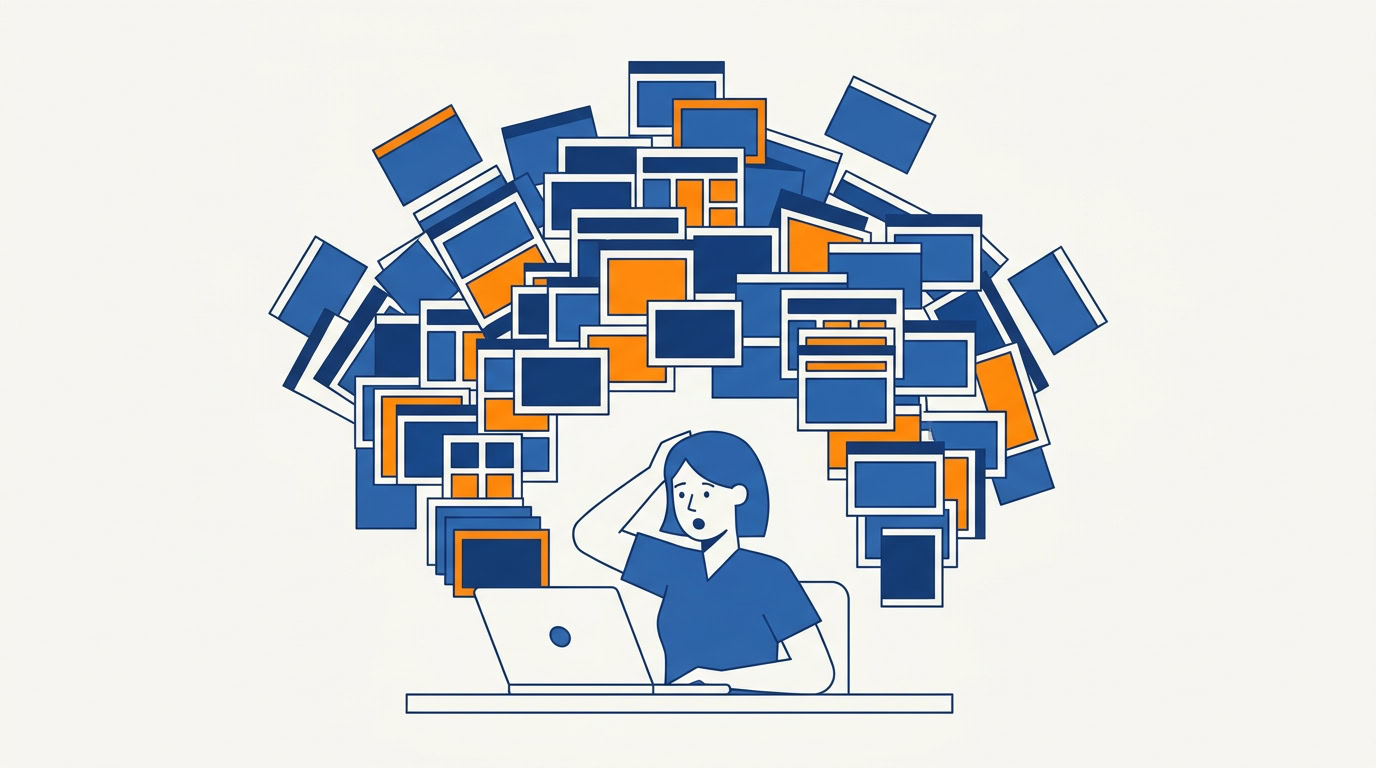
According to data-organization best practices, the ideal state of a file system should be "search-optimized" rather than "categorization-optimized." By creating an index of long-standing archives—such as the 1,700 notes extracted from 22 separate notebooks in the test case—the AI effectively builds a searchable map of the user’s history. Once the index is constructed, the assistant can query this data with high precision, bypassing the need for the user to remember exactly where a specific piece of information was stored.
Security and Privacy Considerations
While the efficiency gains are substantial, the integration of AI into local file systems introduces significant security concerns. Security researchers emphasize that granting "folder access" to an AI assistant is a high-privilege action. Users are advised to adopt a "copy-first" methodology:
- Duplicate the Target: Always perform initial operations on a duplicate folder to ensure the original data remains untouched.
- Permission Management: Utilize default permissions and strictly monitor the AI’s access rights.
- Data Exposure: AI models may process sensitive data contained within screenshots, such as passwords, personal contact information, or proprietary business data. It is essential to perform a sanitization check before allowing an AI agent to index sensitive directories.
The current landscape of desktop-integrated AI, such as Claude Cowork or similar Codex-based applications, requires users to be vigilant about "prompt injection" risks and the potential for unauthorized data transmission. Until enterprise-grade local processing becomes the standard, users are cautioned to treat these tools as powerful but unverified interns that require oversight.
Broader Impact on Knowledge Work
The transition from manual organization to AI-assisted retrieval is expected to have a profound impact on the "knowledge worker" economy. As individuals accumulate more digital assets, the time spent "filing" becomes an increasingly poor return on investment. By delegating these tasks to agents, workers can shift their focus toward "defining the retrieval logic"—that is, deciding how they want to find information rather than where it should be placed.
Professional analysts suggest that the next phase of this development will involve the creation of personalized "writing-voice profiles." By allowing an AI to analyze an individual’s sent emails (after redacting sensitive data), the AI can learn to draft correspondence that mimics the user’s specific tone and style. This represents a move toward hyper-personalized productivity, where the AI serves as an extension of the individual’s professional identity.
Operational Guidelines for Implementation
For those seeking to implement these systems, experts recommend a phased approach:
- Start Small: Choose one low-risk, high-frustration category (e.g., screenshot archives or meeting notes) and test the workflow on a copy.
- Establish a Routine: A one-time cleanup is insufficient. The most effective systems are those that are repeated—for example, a daily 5:00 p.m. task that clears the day’s digital debris.
- Verify, Don’t Trust: Never assume the AI has completed a task in its entirety. Always verify the results of the first few batches before allowing the system to run autonomously for extended periods.
Conclusion: The Future of Digital Hygiene
The ability to delegate the management of personal archives to AI marks a fundamental shift in how we interact with our digital history. While the technology is not yet infallible, it has proven capable of handling the repetitive, high-volume tasks that characterize the modern work environment. As these tools mature, the definition of an "organized" individual will likely evolve from someone who spends hours filing documents to someone who builds the most effective systems for automated retrieval.
The core lesson from these recent trials is clear: the bottleneck is no longer the amount of data we possess, but our ability to navigate it. By offloading the administrative burden to AI agents, the modern professional can reclaim hours of time, shifting from the role of a digital librarian to that of a digital architect. However, this shift requires a new set of skills: the ability to structure, audit, and securely delegate tasks to increasingly autonomous systems. In the coming years, those who master the art of "managing the machine" will find themselves with a significant competitive advantage in the efficiency of their daily output.